Orders and fulfillment
Manage the full order lifecycle from your app: listen for order events, then fulfill, cancel, and refund through the Open API.
A complete order flow
A typical order moves through these stages, and each step maps to one recipe:
- A buyer places and pays for an order. Your app receives
orders/createandorders/paidin real time — set this up in Listen for order events, then look up the order to read its details. - You ship it. Create a fulfillment and mark it complete in Fulfill orders. The
orders/fulfilledandfulfillments/*events confirm each change back to your app. - You return money when needed. Refund all or part of the order, or read a buyer-initiated return, in Refunds and post-sales.
orders/refundedfires when a refund completes. - You cancel when needed. Cancel an unpaid order directly, or refund a paid one instead — both are in Manage orders.
Jump straight to any recipe:
Manage orders
List, look up, update, and cancel orders.
Fulfill orders
Create, complete, and cancel fulfillments.
Refunds and post-sales
Issue refunds and read buyer-initiated post-sales.
Listen for order events
Subscribe to order and fulfillment webhooks.
What you can build
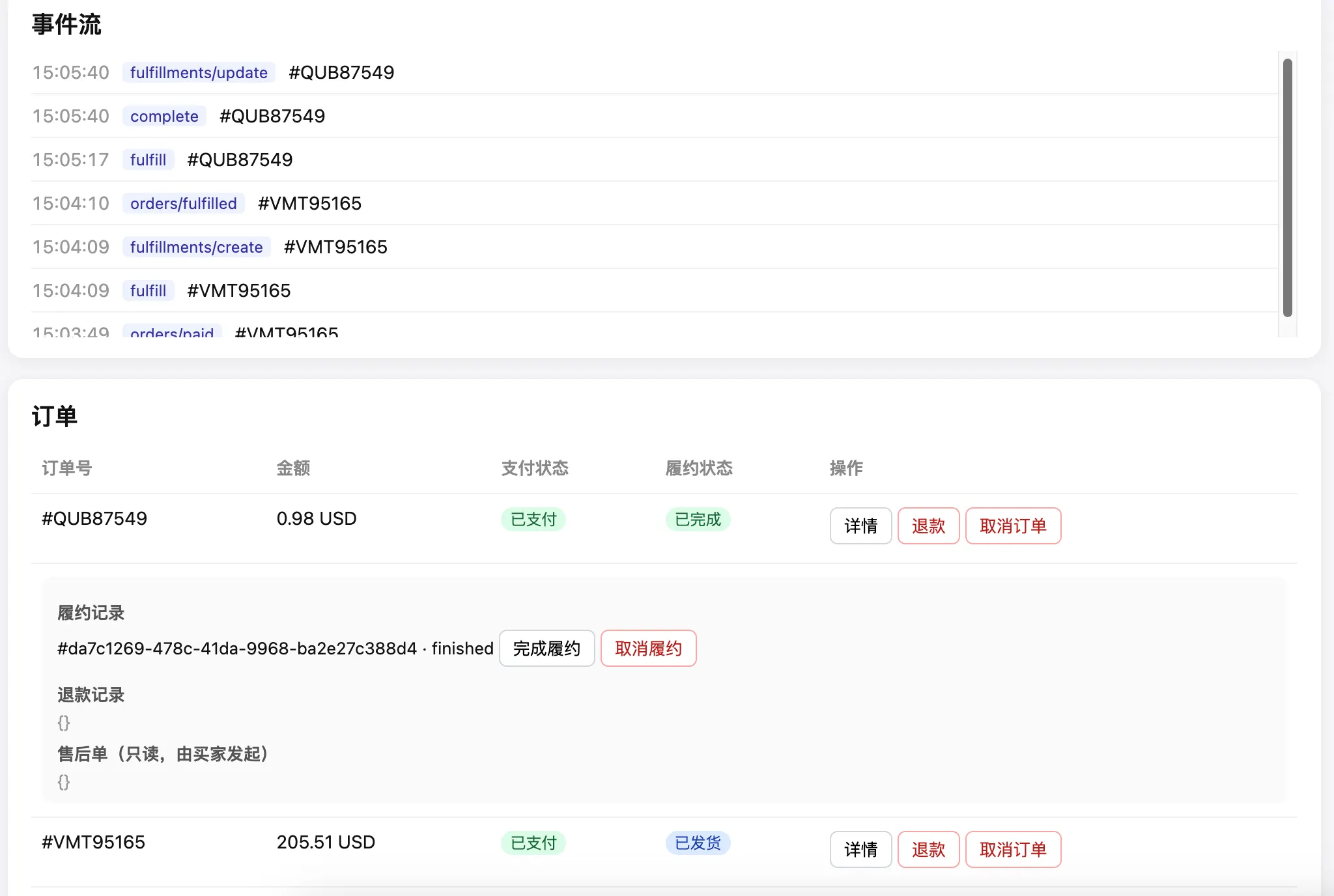
Following the recipes above, you can build the demo app below: a live order table that reacts to store events and drives fulfillment, refunds, and cancellations from your own backend.