Product merchandising
Bring products to your storefront from your app: create products with variants and images, organize them into collections, set inventory, and publish — all through the Open API. Two recipes cover the storefront side instead: carrying shopper-entered values to the order, and pricing by a measurement.
A complete merchandising flow
A new product moves through these stages, and each step maps to one recipe:
- Create the product. Create it with options, variants, and images in one call — it starts as an unpublished draft. See Create and update products.
- Refine variants and images. Add variants or images incrementally, or look them up by SKU. See Manage variants and images.
- Organize it. Group the product into a manual or smart collection so shoppers can browse it. See Organize products into collections.
- Stock it. Set inventory per variant at a location. See Manage inventory.
- Publish it. Flip
publishedto true (or schedule it) so the product is visible on the storefront — back in Create and update products.
If an external system is your source of truth instead, mirror the catalog into it — see Build a product sync app.
Two recipes cover the storefront side. Anything the shopper types in at purchase time — engraving, a gift message, a size — travels with the line as custom properties; see Add custom properties to cart and orders. When that input also has to set the price, see Sell products priced by measurement.
Jump straight to any recipe:
Create and update products
Manage variants and images
Organize products into collections
Manage inventory
Build a product sync app
Add custom properties to cart and orders
Sell products priced by measurement
What you can build
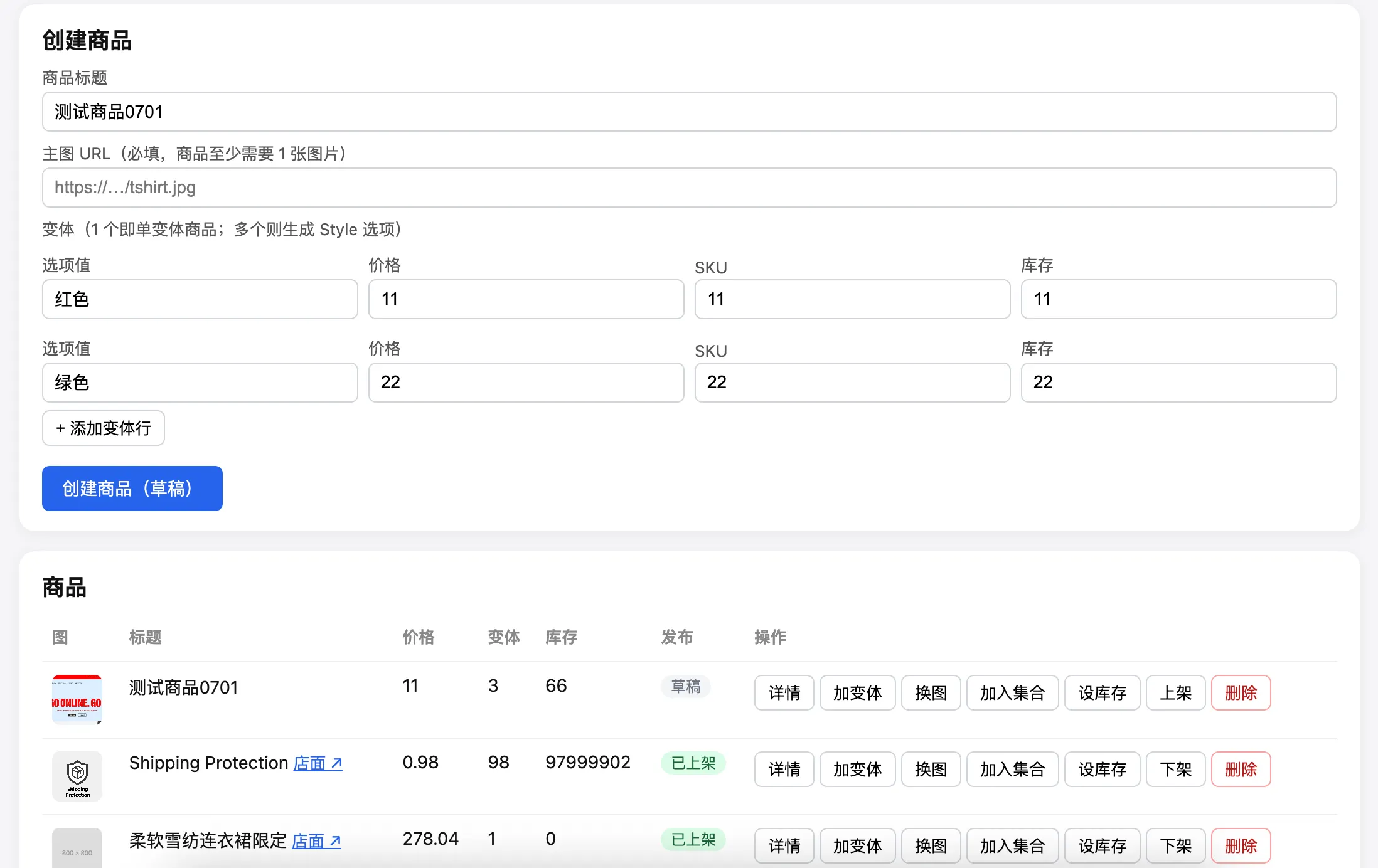
Following the recipes above, you can build the demo app below: create a product with variants and images, organize it into a collection, set its inventory, then publish it to the storefront — all from your own backend.