Discounts
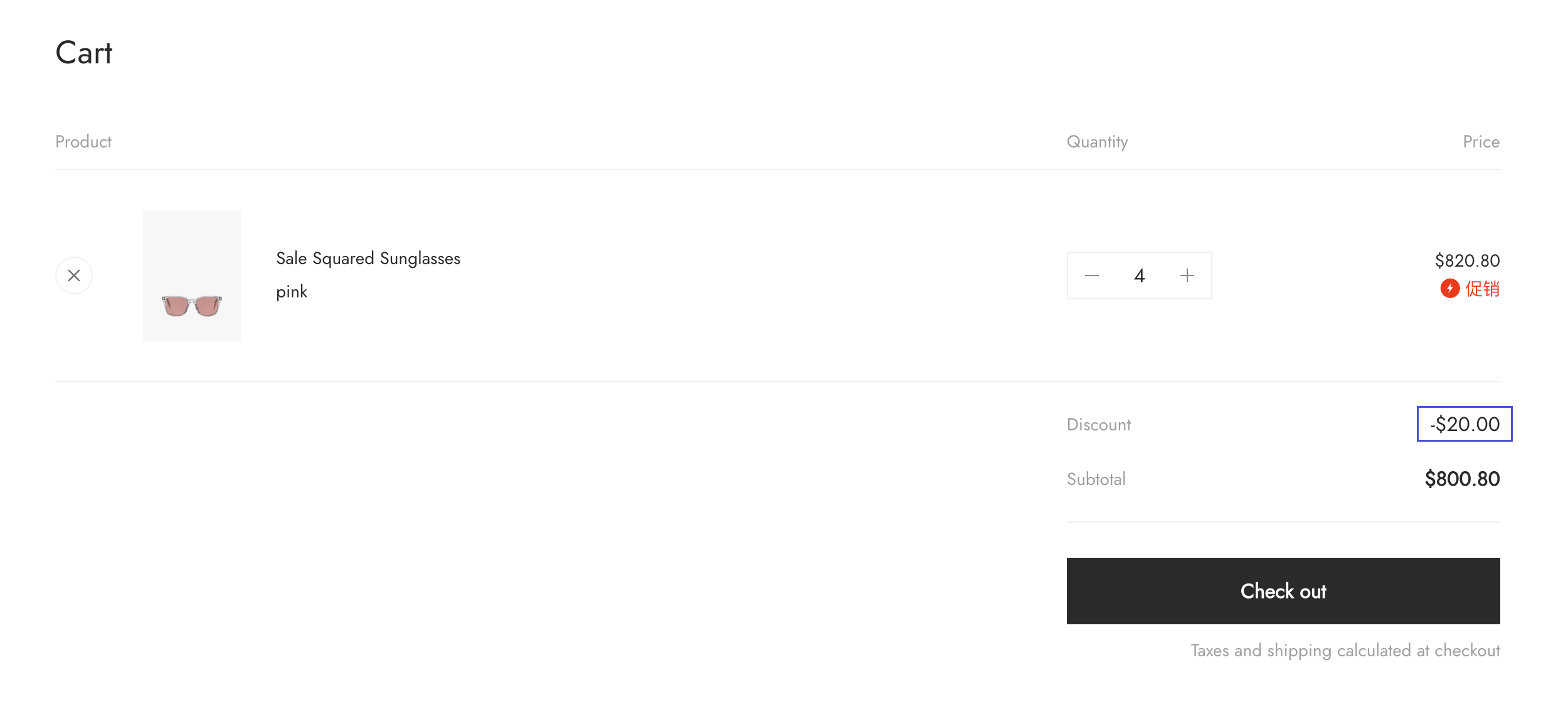
Discounts can be applied at the line item level, or the cart, checkout, or order level. This means that they apply directly to specific line items, or apply to the cart or order as a whole.
In this tutorial, you'll learn how to display discounts in your theme.
Requirements
You've created a cart template or a order template.
Resources
To display discounts in your theme, you'll use the following:
The discount_applications object
The discount_application object registers discounts at the cart, checkout, or order level. Depending on where you're implementing your discount display, you'll access the relevant discount applications through the associated parent object:
The line_item object
To complete the price display, you need to use price and discount attributes of the line_item object, including:
Implementing discount displays
Because discounts can apply to line items or to the cart or order as a whole, you should display discount information in two places:
The examples in this tutorial use the cart template.
Line item discounts
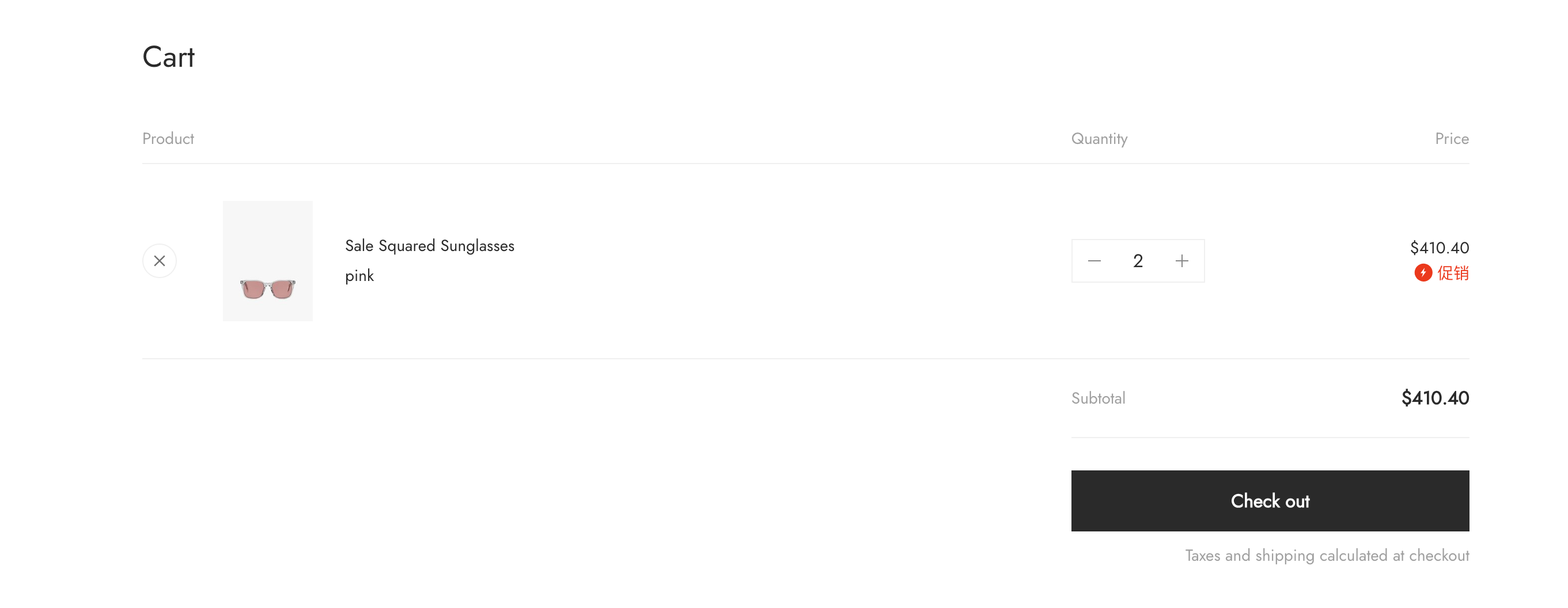
If a discount applies to specific line items, then it should be displayed with those items. To display discounts with line items, you need to include the following in your display:
Line item price
If a discount has been applied to a line item, then you should show the new discounted price. Each of these can be accessed with the following attributes of the Liquid line_item object:
Line item discounts
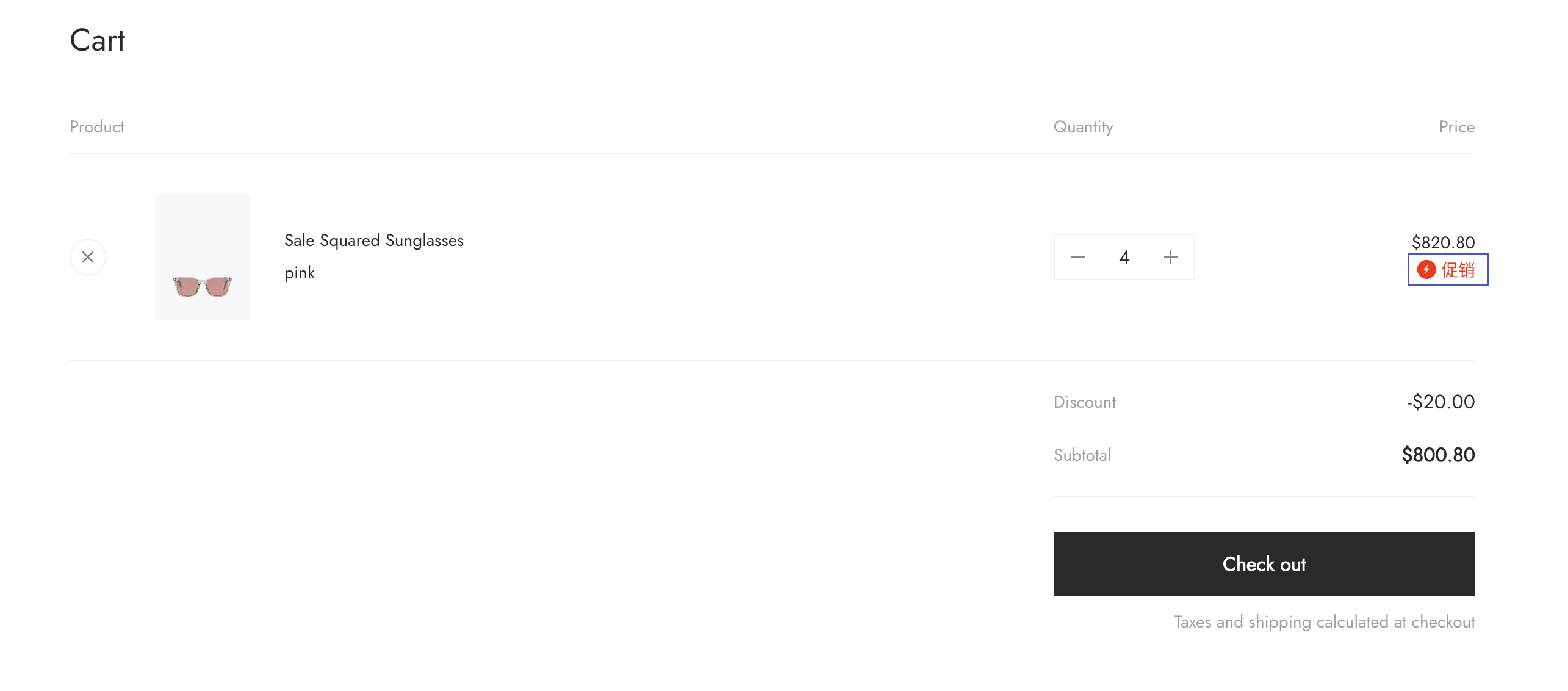
If a discount has been applied to a line item, then you should show each discount that's applied, with its associated discount amount, or discount icon.
<spz-cart layout="container">
  <template>
    <div>
      <div spz-for="line_item in data.line_items">
        <div spz-for="discount_application in line_item.discount_applications">
          <div>
            <spz-img
              spz-if="${!!discount_application.icon}"
              src="${discount_application.icon}"
              layout="fixed"
              width="16"
              height="16"
            ></spz-img>
            <span>${discount_application.title}</span>
          </div>
          <span spz-if="${discount_application.discount_amount > 0 || discount_application.amount > 0}">
            (-<spz-currency style="display: inline-block;" layout="container" value="${discount_application.discount_amount || discount_application.amount}"></spz-currency>)
          </span>
        </div>
      </div>
    </div>
  </template>
</spz-cart>
Cart discounts
The line price is the line item total after line item discounts have been applied, and the total is the cart after cart discounts have been applied.
<spz-cart layout="container">
  <template>
    <div>
      <div>Line price:  <spz-currency layout="container" value="${data.line_price}" style="display: inline-block;"></spz-currency></div>

      <div spz-if="${data.total_discount > 0}">
        Discount: -<spz-currency layout="container" value="${data.total_discount}" style="display: inline-block;"></spz-currency>
      </div>

      <div>
        Total: <spz-currency layout="container" value="${data.total_price}" style="display: inline-block;"></spz-currency>
      </div>
    </div>
  </template>
</spz-cart>