search
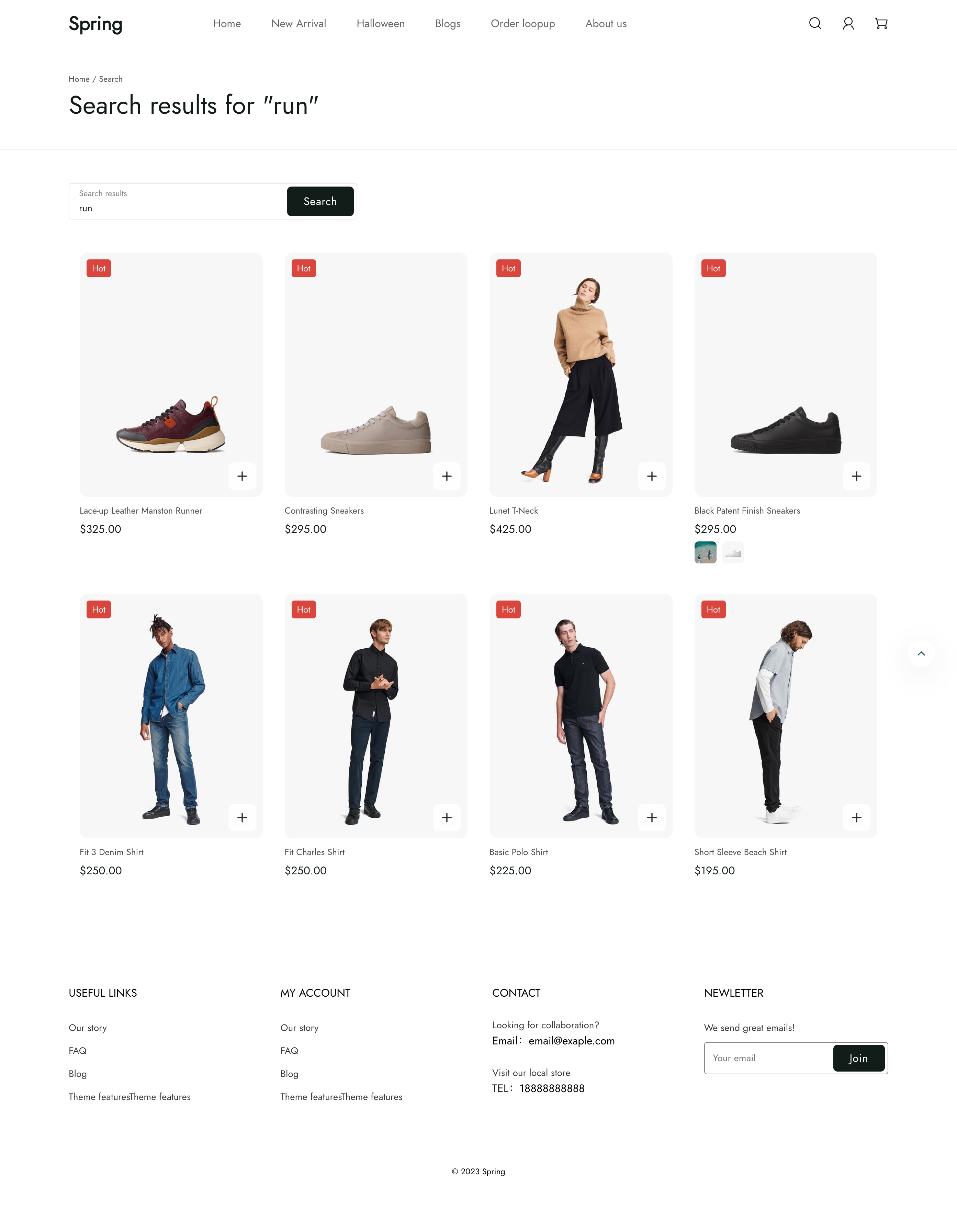
search template 渲染搜索页面,显示店面搜索的结果。
位置
search template 位于 theme 的 templates 目录下:
└── theme
    ├── layout
    ├── templates
    |   ...
    |   ├── search.liquid
    |     ...
    ...
内容
您应该在 template 的 section 中包含以下内容:
search 对象
您可以访问 Liquid search 对象 来显示搜索的详细信息。
搜索表单
客户需要通过搜索表单执行搜索才能进入搜索页面。您可以在 theme 中使用一个带有 action="{{ routes.search_url }}" 属性的 <form> 元素来添加搜索表单。表单内需要一个具有以下属性的输入框:
type="text"name="q"
您还应该将输入框的值设置为 search 对象的 terms 属性值,以便保留客户的搜索词:
<form action="{{ routes.search_url }}" method="get">
  <input type="text" name="q" value="{{ search.terms | escape }}" maxlength="1024">
  <button type="submit">Search</button>
</form>
搜索结果
您可以通过遍历 search 对象的 results 属性值来显示搜索结果:
{% paginate search.results.products by 20 %}
  {% for item in search.results.products limit: 20 %}
    <!-- 商品信息 -->
  {% endfor %}
{% endpaginate %}