customers/reset_password
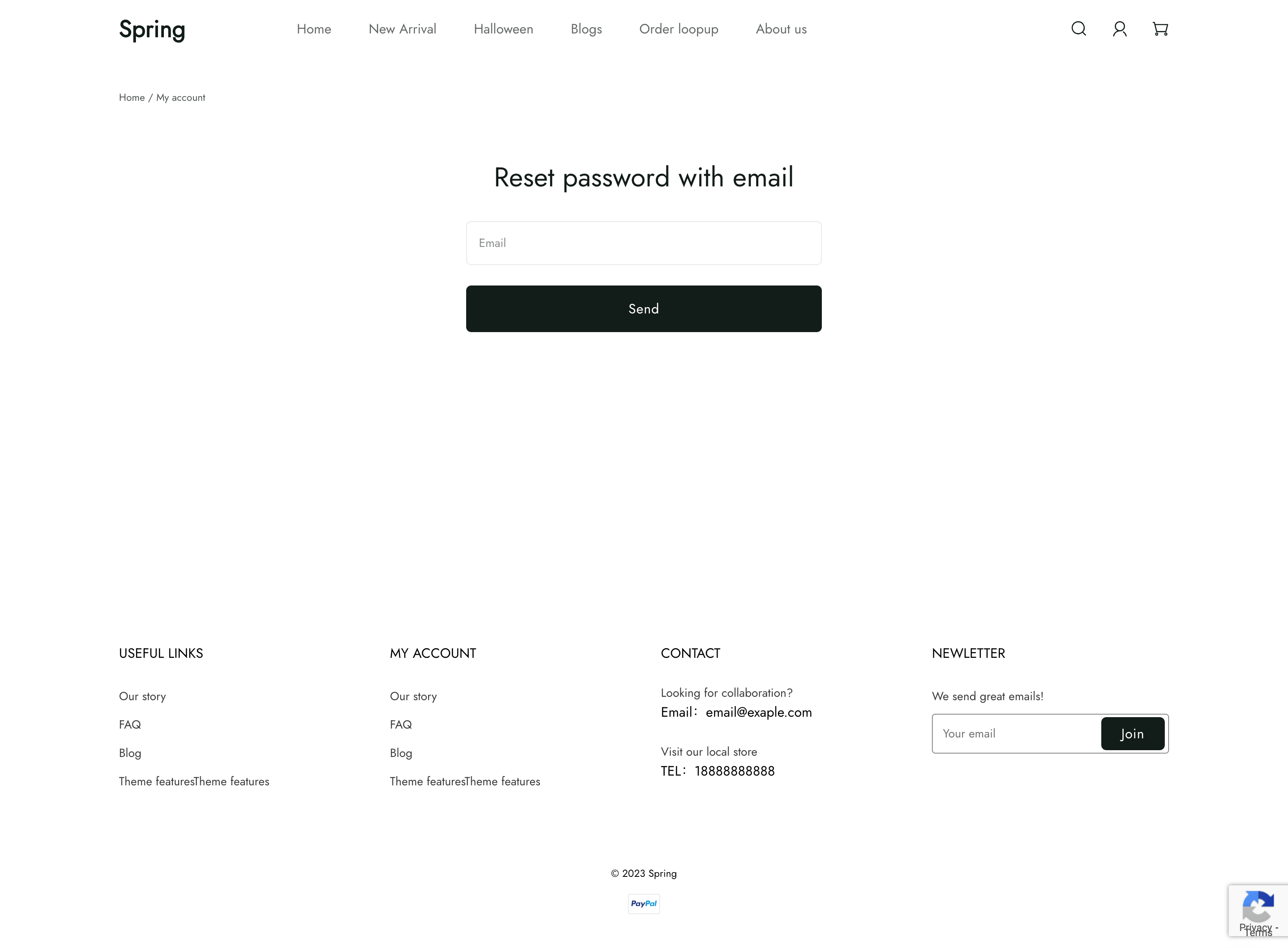
customers/reset_password template 渲染密码重置页面,包含重置客户账户密码的表单。
位置
customers/reset_password template 位于 theme 的 templates > customers 目录下:
└── theme
    ├── layout
    ├── templates
    |   └── customers
    |     ├── reset_password.liquid
    |     ...
    ...
内容
您应该在 customers/account template 或其内部的 section 中包含密码重置表单。
密码重置表单
密码重置表单可以使用 form 添加。在 form 标签块内,您需要包含以下输入项:
| 输入项 | type | name |
|---|---|---|
text | email | |
| Verification code | text | code |
| Password | password | password |
| Password confirmation | password | confirm_password |
例如:
<form method="POST" action="{{ '/api/customers/password_reset_email' | add_root_url }}">
  <div>
    <input id="email" name="email" type="text" required pattern="[a-zA-Z0-9!#$%&'*+\\/=?^_`{|}~-]+(?:\.[a-zA-Z0-9!#$%&'*+\\/=?^_`{|}~-]+)*@(?:[a-zA-Z0-9](?:[a-zA-Z0-9\-]*[a-zA-Z0-9])?\.)+[a-zA-Z0-9](?:[a-zA-Z0-9\-]*[a-zA-Z0-9])?">
    <label for="email">Email</label>
  </div>
</form>

<form method="PATCH" action="{{ '/api/customers/password_reset' | add_root_url }}">
  <input name="email" type="hidden">
  <div>
    <input id="code" name="code" type="text" maxlength="6" required>
    <label for="code">Verification code</label>
  </div>
  <div>
    <input id="password" name="password" type="password" minlength="6" maxlength="16" pattern="[\s\S]{6,16}" required>
    <label for="password">Password</label>
  </div>
  <div>
    <input id="confirm-password" name="confirm_password" type="password" minlength="6" maxlength="16"
      pattern="[\s\S]{6,16}" required>
    <label for="confirm-password">Confirm password</label>
  </div>
  <button type="submit">Confirm</button>
</form>